
Windows 365 Enterprise GPU
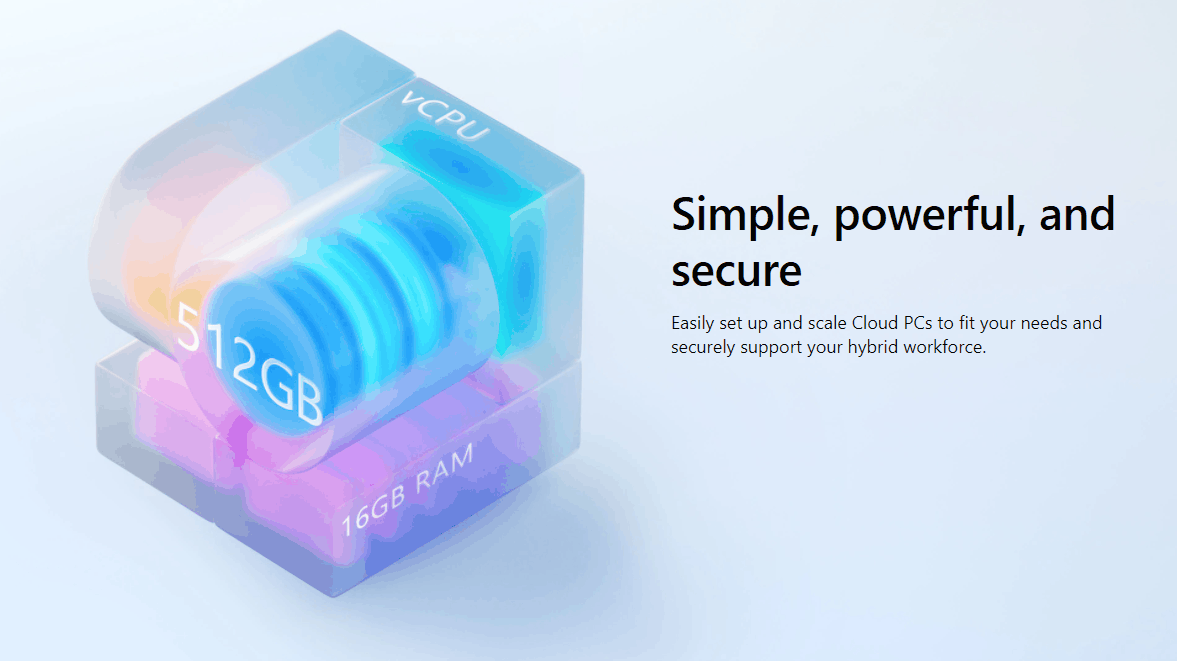
4 vCPU, 16-GB RAM, 8-GB vRAM, 512 GB (with 176-GB temporary storage)
Our Price: Request a Quote
8 vCPU, 56-GB RAM, 12-GB vRAM, 1 TB (with 352-GB temporary storage)
Our Price: Request a Quote
16 vCPU, 110-GB RAM, 16-GB vRAM, 1 TB (with 352-GB temporary storage)
Our Price: Request a Quote
Overview
GPU Cloud PCs in Windows 365
Windows 365 offers GPU-enabled Cloud PCs that are suitable for graphics intense workloads that need to be performance optimized. These offerings can help with graphic design, image and video rendering, 3D modeling, and data processing and visualization applications that require a GPU to perform.
Three GPU offerings are available for Window 365 Enterprise (including FedRamp) and Windows 365 Frontline Cloud PCs in dedicated mode:
| GPU offering | Windows 365 Enterprise GPU Standard | Windows 365 Enterprise GPU Super | Windows 365 Enterprise GPU Max |
|---|---|---|---|
| Minimum specs | 4 vCPU, 16-GB RAM, 8-GB vRAM, 512 GB (with 176-GB temporary storage) | 8 vCPU, 56-GB RAM, 12-GB vRAM, 1 TB (with 352-GB temporary storage) | 16 vCPU, 110-GB RAM, 16-GB vRAM, 1 TB (with 352-GB temporary storage) |
| Powered by | NVIDIA and AMD | NVIDIA | NVIDIA |
| Intended for | Applications that benefit from basic graphic acceleration on one 3840x2160 display or up to two 1920x1080p displays. | Applications with greater specification requirements and high-end graphics workloads on up to four 3840x2160 displays. | Graphics intensive workloads that demand high performance and have strict latency requirements. |
Since regional capacity is dynamic, Microsoft uses available capacity when and where it's needed. Sometimes, this might result in GPU Cloud PCs exceeding their license specified minimum specifications. To see your Cloud PC’s GPU specifications, visit the performance tab of Task Manager.
GPU Cloud PC hosting and d: drive storage details
Microsoft hosts Windows 365 GPU-enabled Cloud PCs using the latest version of Microsoft Hyper-V.
Each of these Cloud PCs comes with an SSD storage drive (c:) for data and applications plus a large ephemeral disk (d:).
The ephemeral disk (d: drive) is deleted and recreated every time the Cloud PC reboots. Never use it to store your data. Instead, you can use it as a cache drive to store temporary files. This strategy is helpful to improve the performance of applications that need scratch disks to process large data sets.
Registry keys and drivers on GPU Cloud PCs
Registry keys are automatically set during the provisioning process.
Supported drivers are automatically installed as part of the provisioning process. You don't need to manually install drivers. However, drivers aren't automatically updated, so you must manually update drivers as needed.
Supported regions
The GPU offerings are available in all Windows 365 supported regions except for the following regions:
- Central US
- Norway East
- West Europe (Windows 365 Enterprise GPU Standard is available in this region)
- Mexico Central
- Japan West
- Spain Central
- Israel Central
Recommendations when using GPU Cloud PCs
For optimal performance of GPU-enabled Cloud PCs, consider these recommendations:
- Make sure that your network is configured to turn on UDP by default. For more information about UDP, see RDP Shortpath.
- Make sure that you're running your GPU Cloud PC in full screen mode. Minimized windows require extra processing and coordination with the local device that can impede the session performance.
- Use the Windows app for optimal connection experience.
- Use Windows 11 Cloud PCs.
- GPU-enabled Cloud PCs come pre-provisioned with the correct driver needed for the best experience. For information about installing drivers, see Install NVIDIA GPU drivers on N-series VMs running Windows and Install AMD GPU drivers on N-series VMs running Windows (for the Standard SKU only in limited regions). The use of any external drivers, including drivers from NVIDIA and AMD websites, isn't supported.
- Don’t use the Multimedia Redirection extension for the browser or for Teams. By default, this extension is uninstalled for GPU-enabled Cloud PCs during provisioning.
- GPU offerings aren't designed for game development. These offerings are optimized for graphics applications typically used in Enterprise scenarios. For more information with game development scenarios, see Create a Game Development Virtual Machine with other Game Engines.
- If you want to guarantee that all your users have the exact same GPU configuration, instead of using Cloud PCs, you can use Azure Virtual Desktop (AVD). AVD can help customers who prefer hardware specific configurations over workload focused configurations. For a complete list of Azure’s GPU offerings, see Sizes for virtual machines in Azure - GPU accelerated.
- By default, GPU-enabled Cloud PCs are provisioned to use GPU-accelerated remote frame encoding. For more information about different hardware-accelerated graphics encoding profiles and how to manage them on your GPU-enabled Cloud PCs, see Enable GPU Acceleration.
| Windows 365 Enterprise GPU | Max | Super | Standard |
|---|---|---|---|
| Supported GPU-accelerated remote frame encoders | HEVC/H.265 AVC/H.264 |
HEVC/H.265 AVC/H.264 |
AVC/H.264 |
Compare popular Windows 365 Enterprise Cloud PC solutions
Windows 365 Enterprise is for smaller organizations that want a simple way to buy, deploy, and manage Cloud PCs.
Standard
The best choice for running basic graphics acceleration.
4 vCPU
16 GB RAM
8 GB VRAM
512 GB storage
- Integrated with Microsoft Intune for advanced threat protection, and PC and mobile device management
- Supports the desktop versions of Microsoft 365 apps, Outlook, and OneDrive
- Supports the desktop version of Microsoft Teams
- Supports Microsoft Visual Studio, Power BI, and Dynamics 365
- Unlimited users
Super
The best choice for applications with high-end graphics workloads.
8 vCPU
56 GB RAM
12 GB VRAM
1 TB Storage
- Integrated with Microsoft Intune for advanced threat protection, and PC and mobile device management
- Supports the desktop versions of Microsoft 365 apps, Outlook, and OneDrive
- Supports the desktop version of Microsoft Teams
- Supports Microsoft Visual Studio, Power BI, and Dynamics 365
- Unlimited users
Max
The best choice for the most demanding graphics workloads.
16 vCPU
110 GB RAM
16 GB VRAM
1 TB Storage
- Integrated with Microsoft Intune for advanced threat protection, and PC and mobile device management
- Supports the desktop versions of Microsoft 365 apps, Outlook, and OneDrive
- Supports the desktop version of Microsoft Teams
- Supports Microsoft Visual Studio, Power BI, and Dynamics 365
- Unlimited users
Which Windows 365 Cloud PC is right for you?
Windows 365 Business
Simplify setup, deployment, and management of Cloud PCs with easy, direct purchasing.

Manage online
Customers can purchase directly from windows365.com, set up their account without a domain, and provision and manage their Cloud PCs directly from windows365.microsoft.com.
Get started quickly
No other Microsoft licenses are required. Get started with just a credit card.
Add up to 300 users
Windows 365 Business is for customers who want to deploy Cloud PCs for 300 users or fewer across their organization.
Windows 365 Enterprise
Include Cloud PCs with centralized end-to-end management using Microsoft Intune.

Manage with Microsoft Intune
Customers can purchase directly from windows365.com or from their account representative, then provision and manage their Cloud PCs in fully integrated Microsoft Intune.
Build on your existing Microsoft licenses
Windows 365 Enterprise users must be licensed for Windows 11 Enterprise or Windows 10 Enterprise, Microsoft Intune, and Microsoft Entra ID P1 (formerly Azure Active Directory P1). In addition to being available independently, these licenses are included in Microsoft 365 Business Premium, Microsoft 365 F3, Microsoft 365 E3, and Microsoft 365 E5, including versions of these suites that do not include Microsoft Teams, as well as Microsoft 365 A3, Microsoft 365 A5, and Microsoft 365 Education Student Use Benefit subscriptions.
Add any number of users
Windows 365 Enterprise is for larger businesses that want to deploy Cloud PCs across their organization for an unlimited number of users.
Pricing Notes:
- All Prices are Inclusive of GST
- Pricing and product availability subject to change without notice.
4 vCPU, 16-GB RAM, 8-GB vRAM, 512 GB (with 176-GB temporary storage)
Our Price: Request a Quote
8 vCPU, 56-GB RAM, 12-GB vRAM, 1 TB (with 352-GB temporary storage)
Our Price: Request a Quote
16 vCPU, 110-GB RAM, 16-GB vRAM, 1 TB (with 352-GB temporary storage)
Our Price: Request a Quote