

Microsoft Clipchamp
Create, share, and connect—intuitive video tools for work, school, and personal projects.
Overview
Create, edit, and share—all in one place
Create with ease
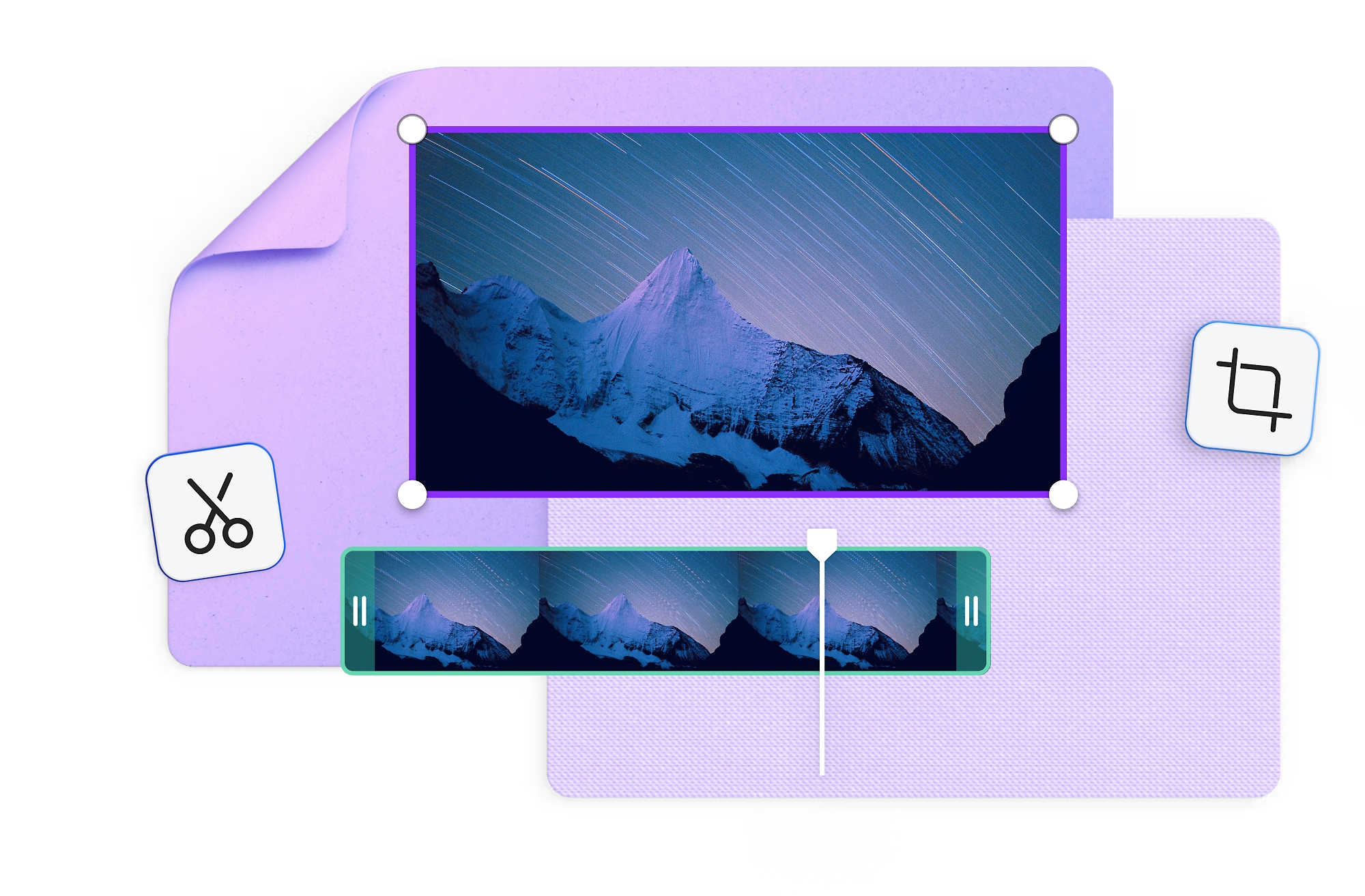
Build your skills and enhance your creations with a variety of tools, such as trimming, cropping, and speed control.
Tell your story
Explore a wide range of unique templates, plus stock audio, image, and video libraries—or upload your own content.
Connect your content
Share your content with your social networks, and save your videos more securely to OneDrive.
Edit videos for work
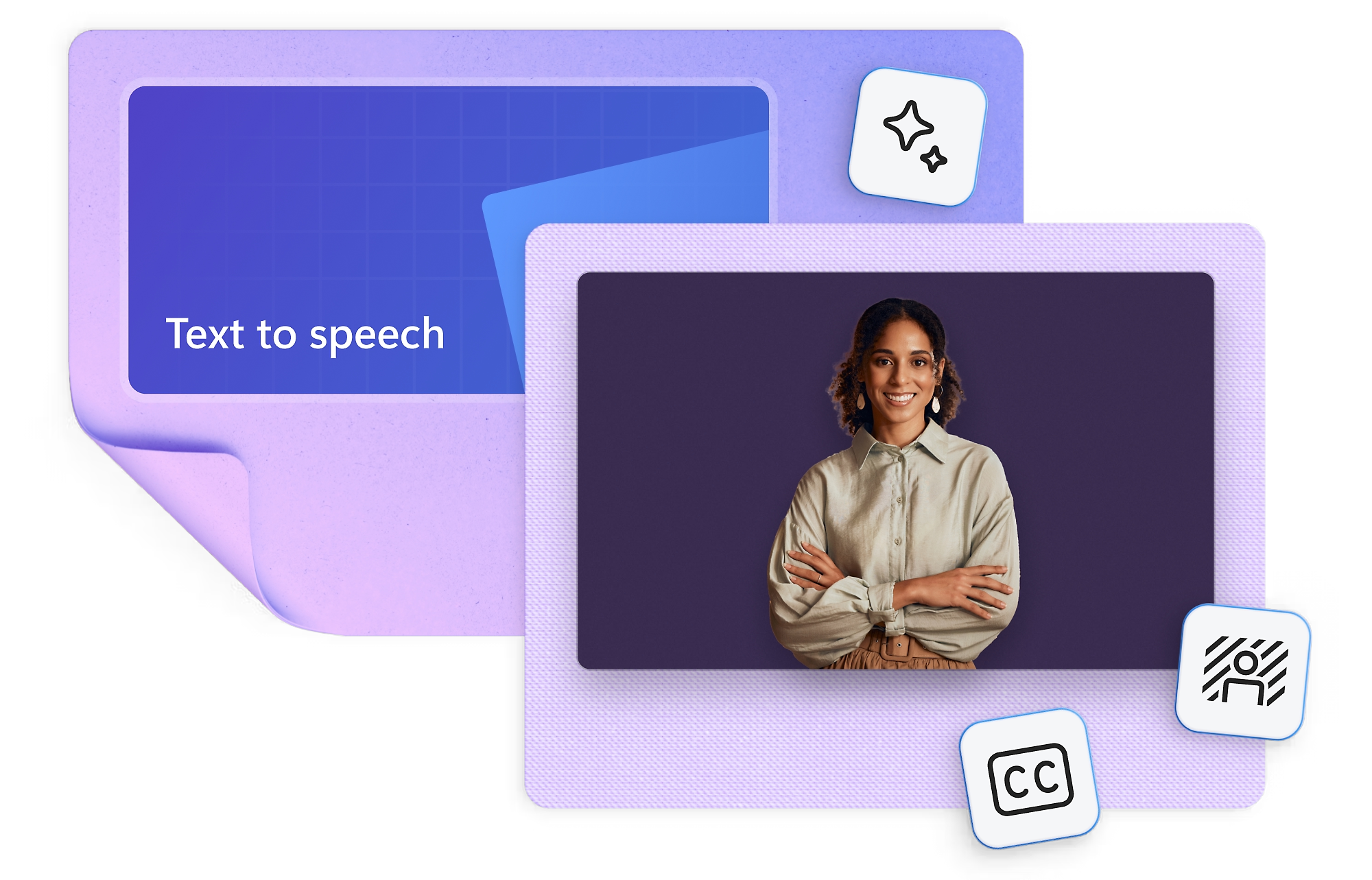
Create polished videos quickly with AI text-to-speech, Copilot summaries, smart editing, and autocaptions.
Stay on brand
Keep your videos consistent by storing logos, colors, and fonts in your brand kit.
Create videos anywhere
Make and share videos from anywhere.
Build skills for the future
Use simple tools to create educational videos, and teach students the visual media skills that will help them succeed.
Get started quickly
Design compelling video presentations in minutes using features such as a user-friendly drag-and-drop editor.
Inspire the classroom
Boost engagement, and help students develop successful communication skills that will help them transition from classroom to career.
Choose your plan
Microsoft Clipchamp
Microsoft Clipchamp includes:
- For 1 person
- Unlimited watermark-free exports
- Up to 1080p (HD) export resolution
- Editing tools including trim, crop, and speed control
- Free filters, effects, and stock media including audio, video, graphics and stickers
- Image background removal
Microsoft 365 Personal
Microsoft 365 Personal includes:
- For 1 person
- Use on up to five devices simultaneously
- Works on PC, Mac, iPhone, iPad, and Android phones and tablets
- 1 TB (1000 GB) of secure cloud storage
- Word, Excel , PowerPoint, Outlook, and OneNote desktop apps with Microsoft Copilot
- Higher usage limits than free for select Copilot features
- Use Copilot in select apps with work files in a secure way
- Higher usage for AI image creation and editing in Microsoft Designer
- Clipchamp video editor with 4K exports, personalized brand kits, exclusive filters, and effects
- Microsoft Defender advanced security for your identity, personal data, and devices
- OneDrive ransomware protection for your photos and files
- Microsoft Teams with Copilot to call, chat, and collaborate
- Ongoing support for help when you and you need it
Microsoft 365 Family
Everything in Personal, plus:
- For 1 to 6 people (AI for subscription owner only)
- Each person can use on up to 5 devices simultaneously
- Up to 6 TB of secure cloud storage (1 TB per person)
Microsoft 365 Premium
Everything in Family, plus:
- Extensive usage for select Copilot features
- Access to Copilot features currently exclusive to Premium subscribers
- Extensive usage for AI image creation and editing in Microsoft Designer
Pricing Notes:
- All Prices are Inclusive of GST
- Pricing and product availability subject to change without notice.