

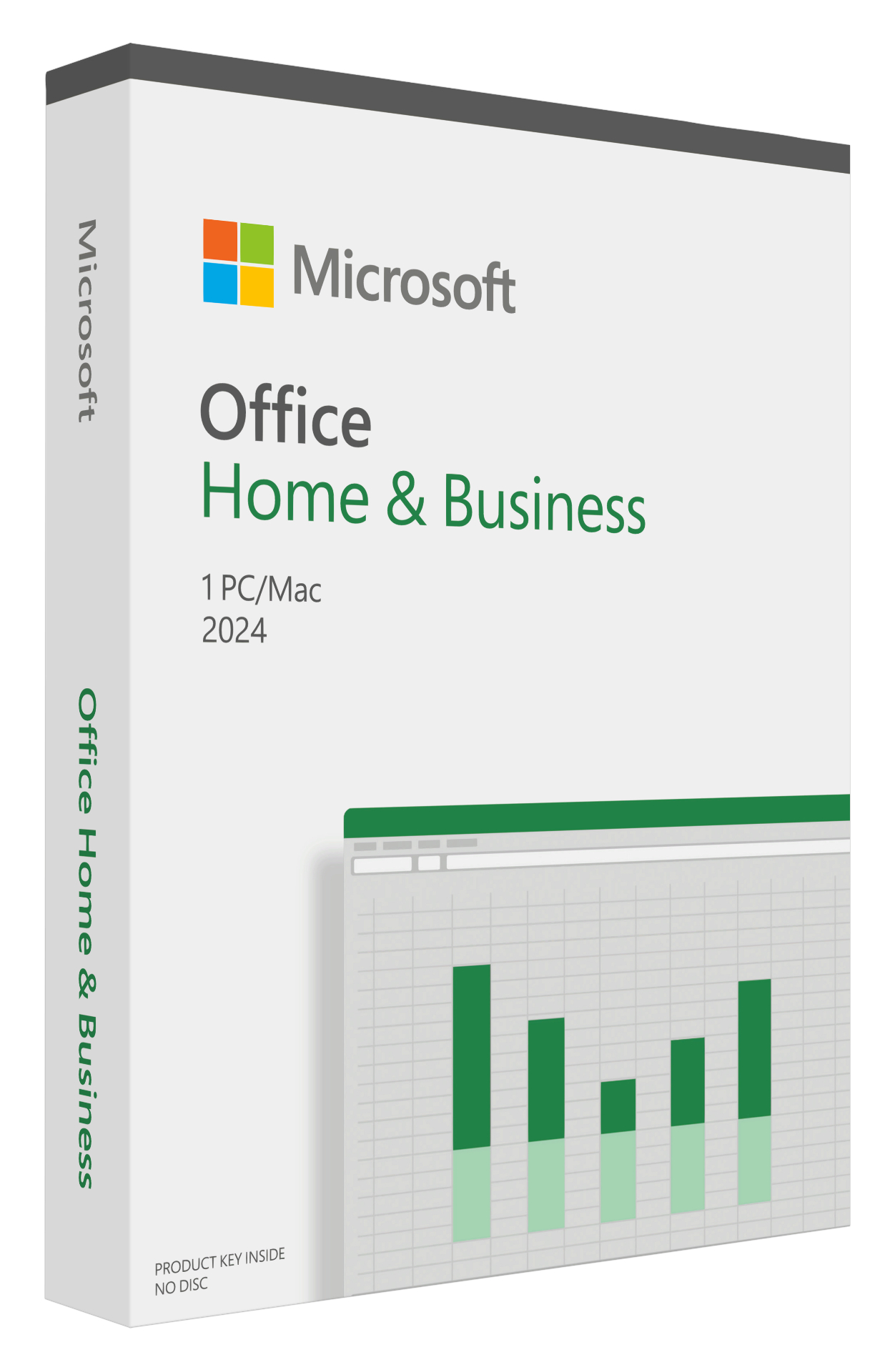
Office 2024
Our Price: Request a Quote
Our Price: Request a Quote
Our Price: Request a Quote
Our Price: Request a Quote
Our Price: Request a Quote
Our Price: Request a Quote
Our Price: Request a Quote
Our Price: Request a Quote
Our Price: Request a Quote
Our Price: Request a Quote
Our Price: Request a Quote
Powerful productivity for modern work
Office 2024 brings the latest versions of essential productivity apps to help you create, collaborate, and communicate more efficiently—without a subscription.
Perpetual license with essential apps
Microsoft 365 is the best way to access the latest versions of the productivity apps that millions of people use every day to bring their ideas to life and power through tasks. But we know some of our customers still prefer a non-subscription way to access our familiar apps, which is why we’re releasing Office 2024 on October 1 for consumers and small businesses. Office 2024 includes updated, locked-in-time versions of Word, Excel, PowerPoint, OneNote, and Outlook1 for PC and Mac. Read on for more details about what’s new in Office 2024.
Enjoy better performance and speed
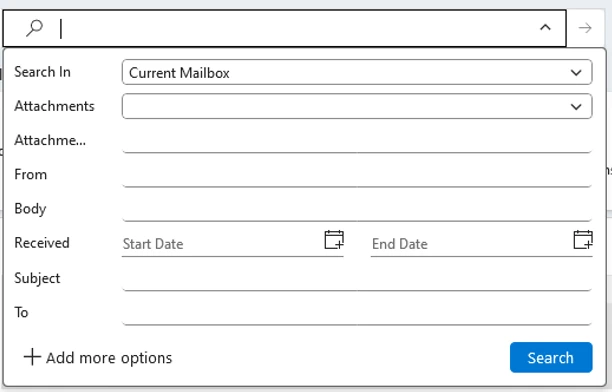
Whether it’s emails, files, people, or events, get better matches for what you’re looking for with new search improvements in Outlook. Experience faster performance when working in Excel, even if you have multiple workbooks open at the same time. Plus, Mac users can now customize swipe left and swipe right gestures in Outlook for Mac with a multi-touch trackpad or magic mouse.
Improve your content creation
In Outlook, automatically check your emails for accessibility issues with accessibility checker. In PowerPoint, seamlessly embed a live camera feed directly into your slides with cameo, or record your narration, animations, transitions, and inking with recording studio. In OneNote, enjoy an enhanced inking experience including a full-screen pen-focused view to use the entire screen for inking.

Analyze data with ease
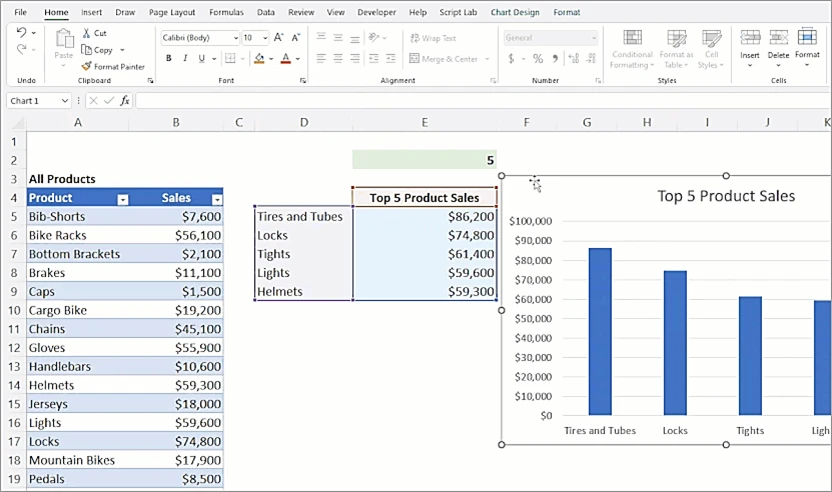
In Excel, access new functions to help you more easily use text and arrays in worksheets. Easily paste pictures directly or use the IMAGE function to add images without changing the formatting. Visualize different datasets with dynamic arrays in charts that will automatically update to capture all data when the arrays recalculate.
What's new in Office 2024 and Office LTSC 2024
New default Office theme
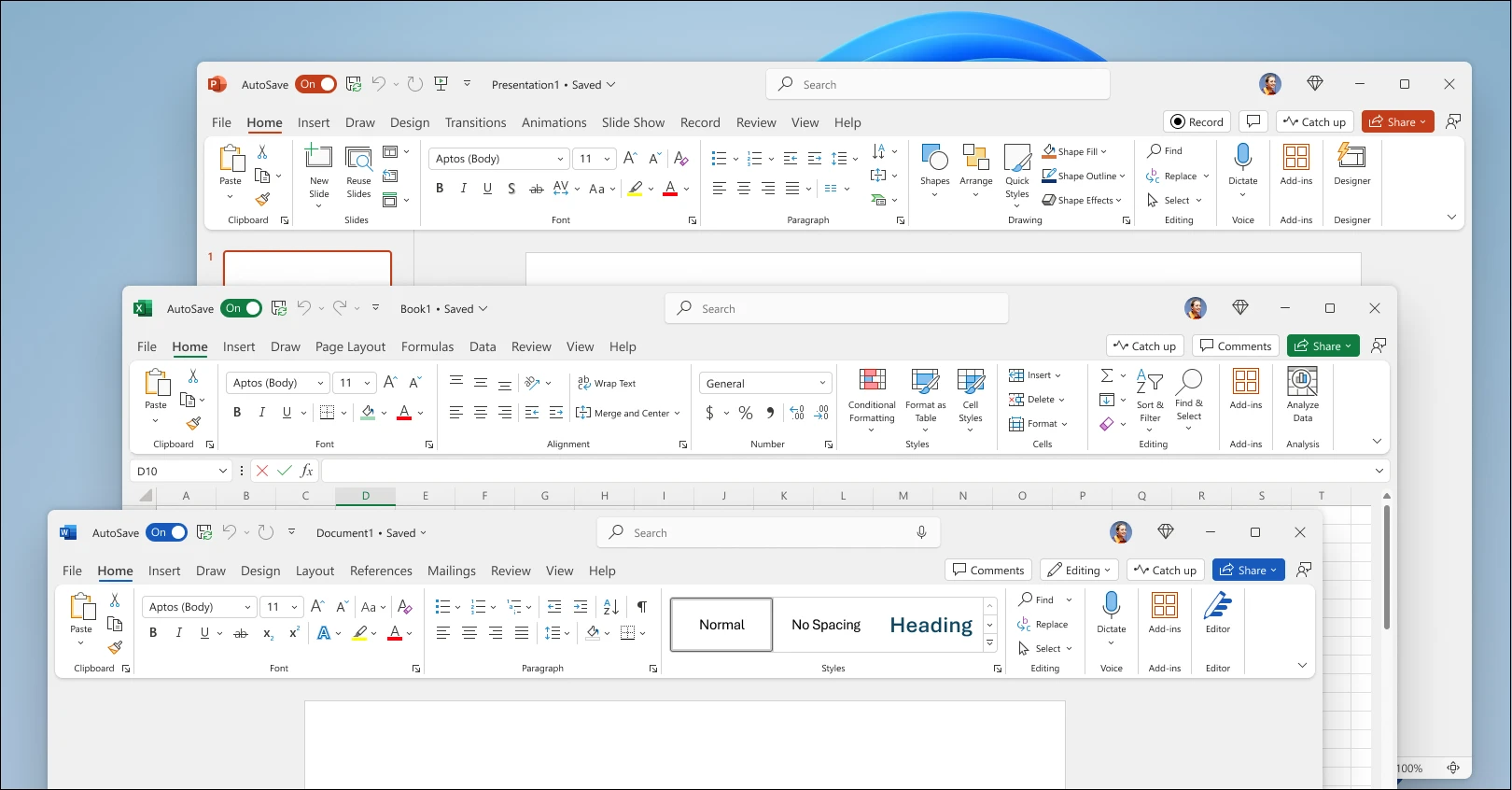
Based on feedback from users like you, Office 2024 has a more natural and consistent experience within and between your Office apps. This new look applies Fluent Design principles to deliver an intuitive, familiar experience across all your applications. It shines on Windows 11, while still enhancing the user experience on Windows 10.
Enjoy better performance and speed
Whether it’s emails, files, people, or events, get better matches for what you’re looking for with new search improvements in Outlook. Experience faster performance when working in Excel, even if you have multiple workbooks open at the same time. Plus, Mac users can now customize swipe left and swipe right gestures in Outlook for Mac with a multi-touch trackpad or magic mouse.
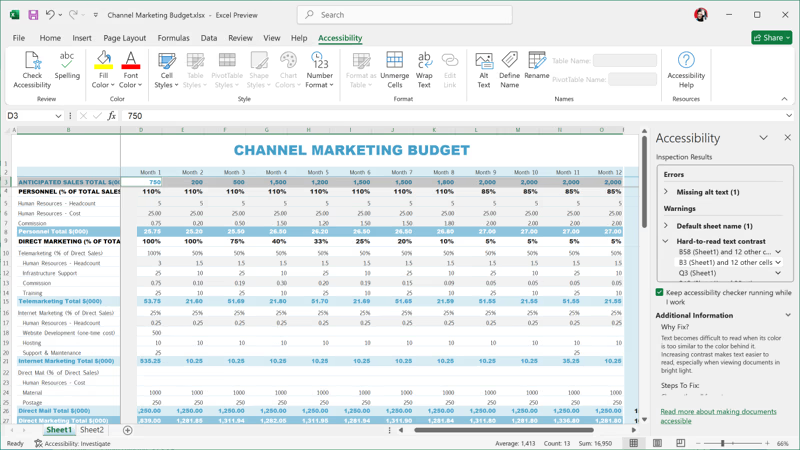
Improved accessibility tools
Office LTSC 2024 has added several new and improved features to make your documents, slideshows, workbooks, and emails more accessible for everyone.
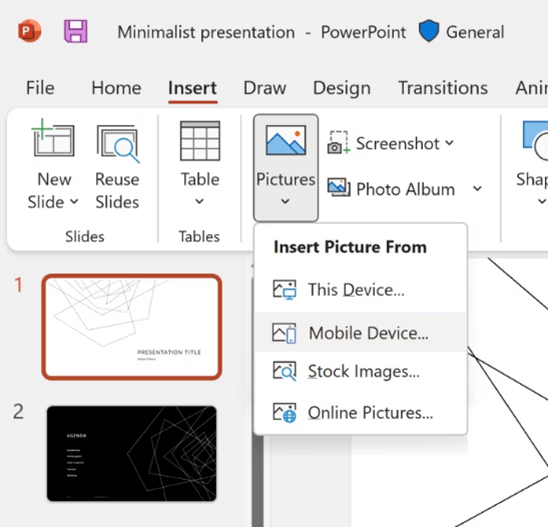
Insert a picture from a mobile device
It used to take several steps to transfer images from your phone to computer, but now you can use your Android device to insert pictures directly into your content in Office LTSC 2024.
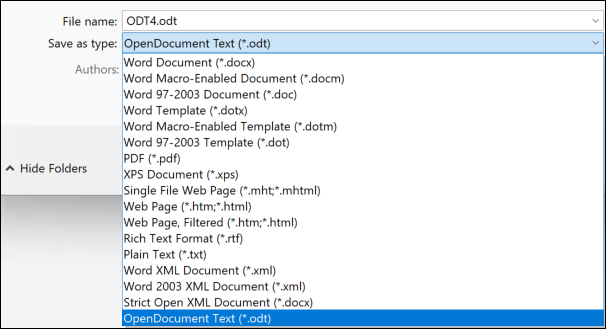
Support for OpenDocument Format (ODF) 1.4
We now include support for the OpenDocument format (ODF) 1.4. The ODF 1.4 specification adds support for many new features.
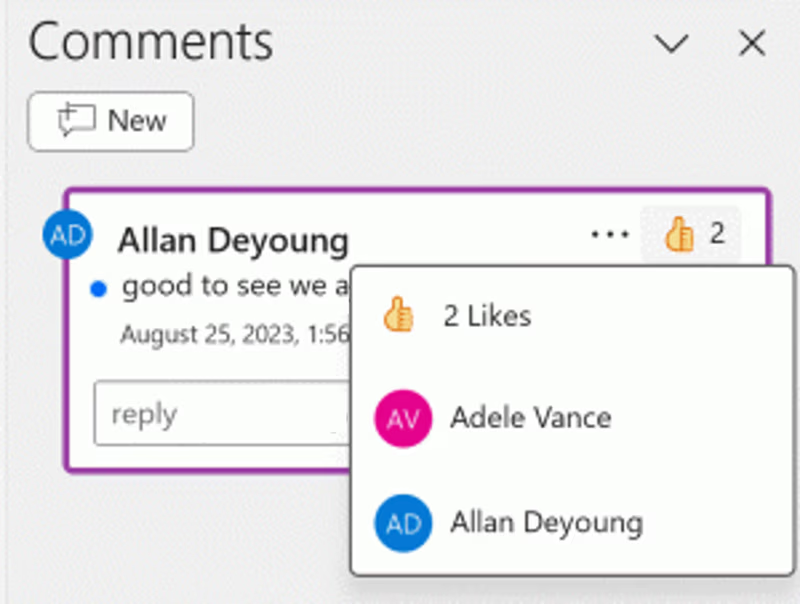
Give a Like reaction to a comment
Quickly identify new comments or new replies with the blue dot and show your support to a comment with a Like reaction.
Dynamic charts with dynamic arrays
In Excel 2024, you can now reference Dynamic Arrays in charts to help visualize datasets of variable length. Charts automatically update to capture all data when the array recalculates, rather than being fixed to a specific number of data points.
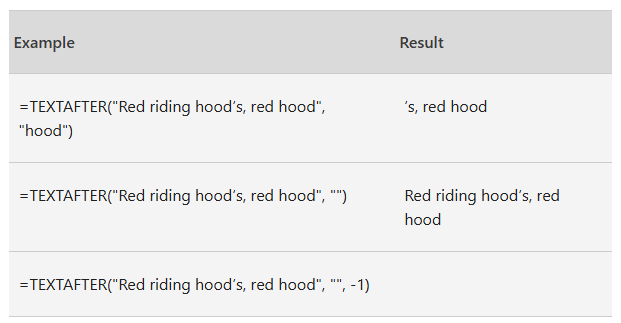
Text and array functions
There are now 14 new text and array functions in Excel 2024 that are designed to help you manipulate text and arrays in your worksheets. These functions make it easier to extract and split text strings and enable you to combine, reshape, resize, and select arrays with ease.
Frequently asked questions
Requirements
| Office 2024 Requirements | |
| Processor | Windows 11 or Windows 10 with 1.6 GHz, 2-core processor/recent macOS |
| Operating system | Windows 11 or Windows 10 for PC; Mac OS for Mac |
| Memory | 4 GB (64-bit), 2 GB (32-bit) RAM for PC; 4 GB RAM for Mac |
| Hard disk space | 4 GB available disk space for PC; 10 GB for Mac |
| Display | 1024 x 768 resolution for PC, 1280 x 800 for Mac |
| Graphics | DirectX 10 graphics card for graphics hardware acceleration for PC |
| Additional system requirements |
|
Pricing Notes:
- All Prices are Inclusive of GST
- Pricing and product availability subject to change without notice.
Our Price: Request a Quote
Our Price: Request a Quote
Our Price: Request a Quote
Our Price: Request a Quote
Our Price: Request a Quote
Our Price: Request a Quote
Our Price: Request a Quote
Our Price: Request a Quote
Our Price: Request a Quote
Our Price: Request a Quote
Our Price: Request a Quote
Our Price: Request a Quote
Our Price: Request a Quote
Our Price: Request a Quote
Our Price: Request a Quote
Our Price: Request a Quote